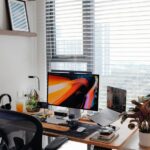

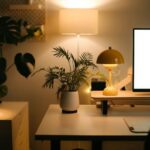
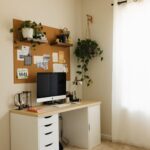


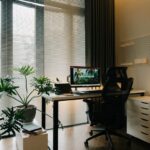



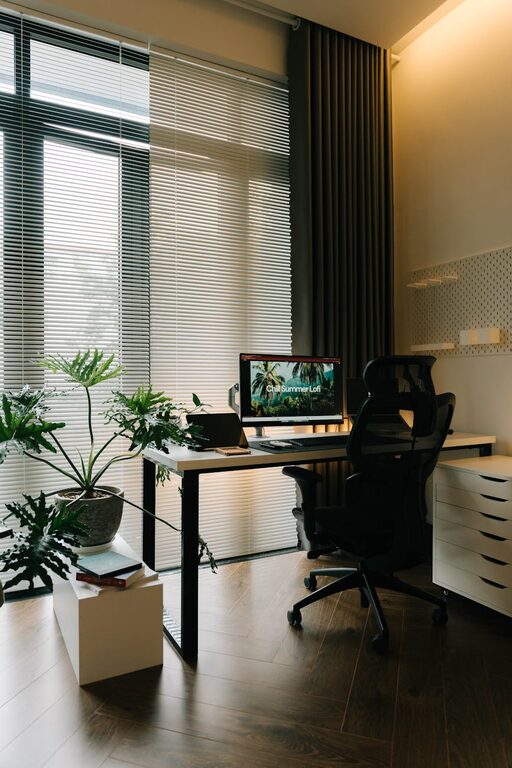
Creating a home office that feels both relaxing and productive can greatly improve your work-from-home experience. Whether you are working remotely full-time or occasionally need a designated space to focus, having an environment tailored to your needs makes a big difference. In this post, we’ll explore practical tips for setting up a home office that supports comfort, efficiency, and well-being.
Why Your Home Office Environment Matters
Your workspace impacts your concentration, creativity, and overall mood. A cluttered or uncomfortable area can increase stress and decrease work output. On the other hand, a thoughtfully designed office encourages focus and helps separate your professional tasks from home life. Balancing both relaxation and productivity is key to sustained success while working at home.
Choosing the Right Location
Consider Natural Light
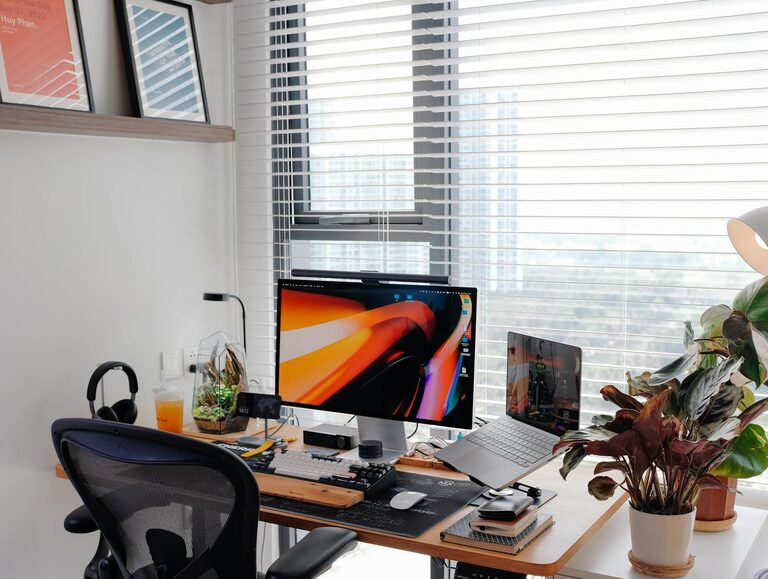
Try to position your desk near a window, if possible. Natural light helps regulate your body’s internal clock, boosts mood, and reduces eye strain. If sunlight isn’t an option, invest in quality daylight bulbs or adjustable task lighting to mimic natural light.
Minimize Distractions
Select a quiet corner or room that limits noise and interruptions. If you live with others, communicate your working hours to minimize disturbances. Noise-canceling headphones can also help maintain focus if background sounds are unavoidable.
Ergonomic Furniture for Comfort and Health
Invest in a Good Chair
Look for an ergonomic chair with adjustable height, lumbar support, and comfortable cushioning. Sitting for long hours without proper support can cause back and neck pain, leading to decreased productivity.
Choose the Right Desk
Your desk should allow you to maintain a comfortable posture. A height that lets your elbows bend at 90 degrees while typing is ideal. Adjustable desks or sit-stand options promote movement and reduce fatigue.
Monitor Placement
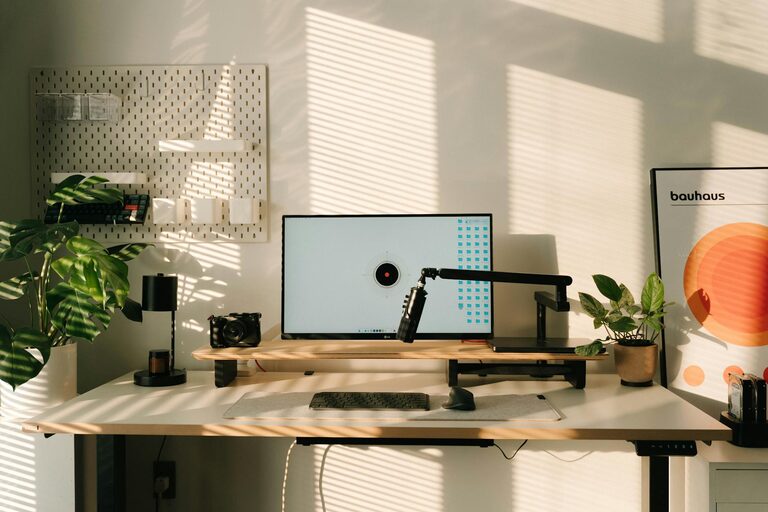
Keep your computer screen at eye level to avoid neck strain. Use a monitor stand or stack books to raise the screen if needed. The ideal distance between your eyes and the monitor is about an arm’s length.
Organizing Your Space
Declutter Regularly
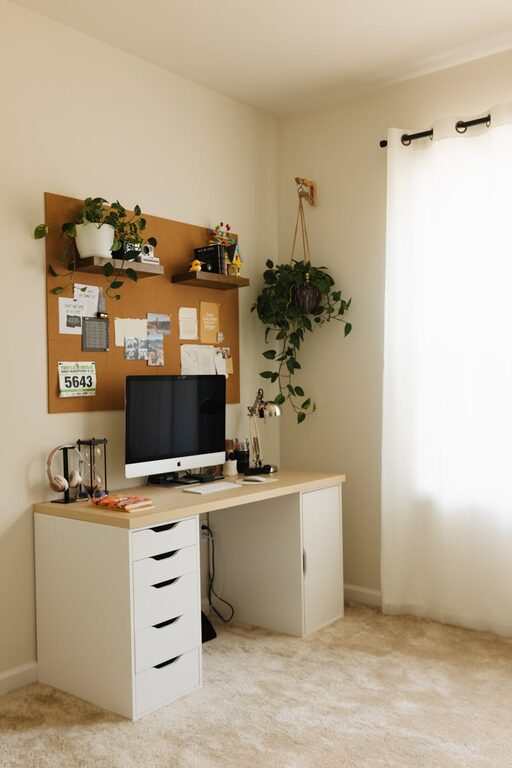
A tidy workspace helps clear your mind and reduces distractions. Use storage boxes, shelves, or drawer organizers to keep supplies neatly arranged. Set a weekly routine to tidy up your desk area.
Personalize Thoughtfully
Adding personal touches like plants, photos, or artwork can make your office more inviting and inspire creativity. However, avoid overcrowding your space, which can have the opposite effect and overwhelm you.
Keep Essentials Within Reach
Arrange frequently used items such as pens, notebooks, or your phone within easy reach. This reduces interruptions and helps maintain your workflow.
Managing Technology Efficiently
Reliable Internet and Equipment
Ensure your internet connection is strong and stable to avoid frustrating disruptions during calls or online work. Use a quality headset with a microphone for clear communication during virtual meetings.
Cable Management
Tidy cables using clips, sleeves, or cable boxes to reduce clutter and hazards. Organized cords also make your workspace look cleaner and more professional.
Backup Power
Consider a surge protector or uninterruptible power supply (UPS) to protect your devices from sudden power outages.
Creating a Relaxing Atmosphere
Use Calming Colors
Soft, neutral colors like pastel blues, greens, or beige can create a soothing ambiance, helping reduce stress and promote focus. Avoid overly bright or distracting patterns.
Incorporate Plants
Adding greenery promotes air quality and adds a natural element that can boost mood and productivity. Choose low-maintenance plants like succulents or spider plants for easy care.
Control Noise and Smells
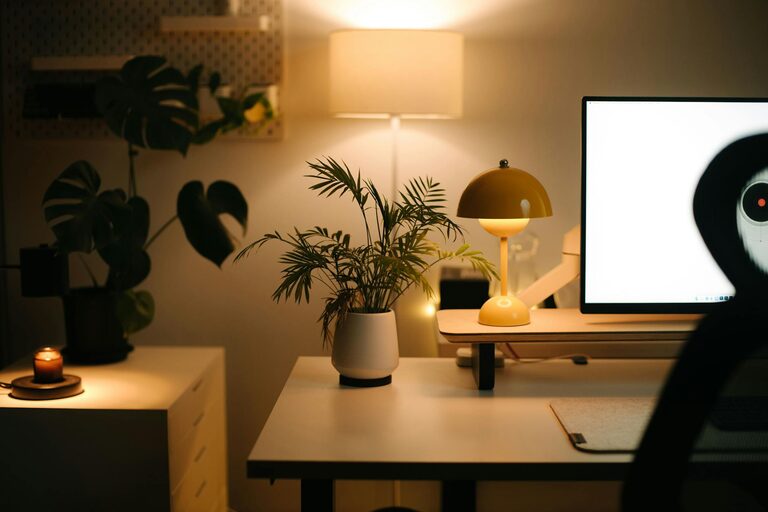
Use white noise machines or calming music to drown out distracting sounds. Scented candles or essential oil diffusers can add a pleasant aroma, enhancing relaxation, but make sure scents are subtle and not overpowering.
Establishing Daily Routines
Set Clear Work Hours
Define when your workday starts and ends to maintain a healthy work-life balance. This helps your mind shift between work mode and personal time.
Take Regular Breaks
Short breaks every hour help prevent burnout and refresh your focus. Use this time to stretch, hydrate, or step outside for some fresh air.
End Your Day by Resetting Your Space
Spend a few minutes at the end of each day organizing your desk. This small habit creates a clean slate for the next day and signals the end of work time.
Conclusion
Designing a home office that feels relaxing while boosting productivity is achievable with thoughtful planning and small adjustments. Prioritize your comfort with ergonomic furniture, keep your space organized, and create an atmosphere that helps you focus and unwind. By cultivating the right environment, your home office will become a place where you can work efficiently and feel good doing it.
Remember, every individual’s needs and preferences vary, so consider these tips as a foundation and tailor your workspace to what works best for you!